
WordPress Maintenance in Dubai: What Should Your Plan Cover?
What to include in a WordPress maintenance agreement: tested backups, controlled updates, security responsibilities, working enquiries and clear support limits.
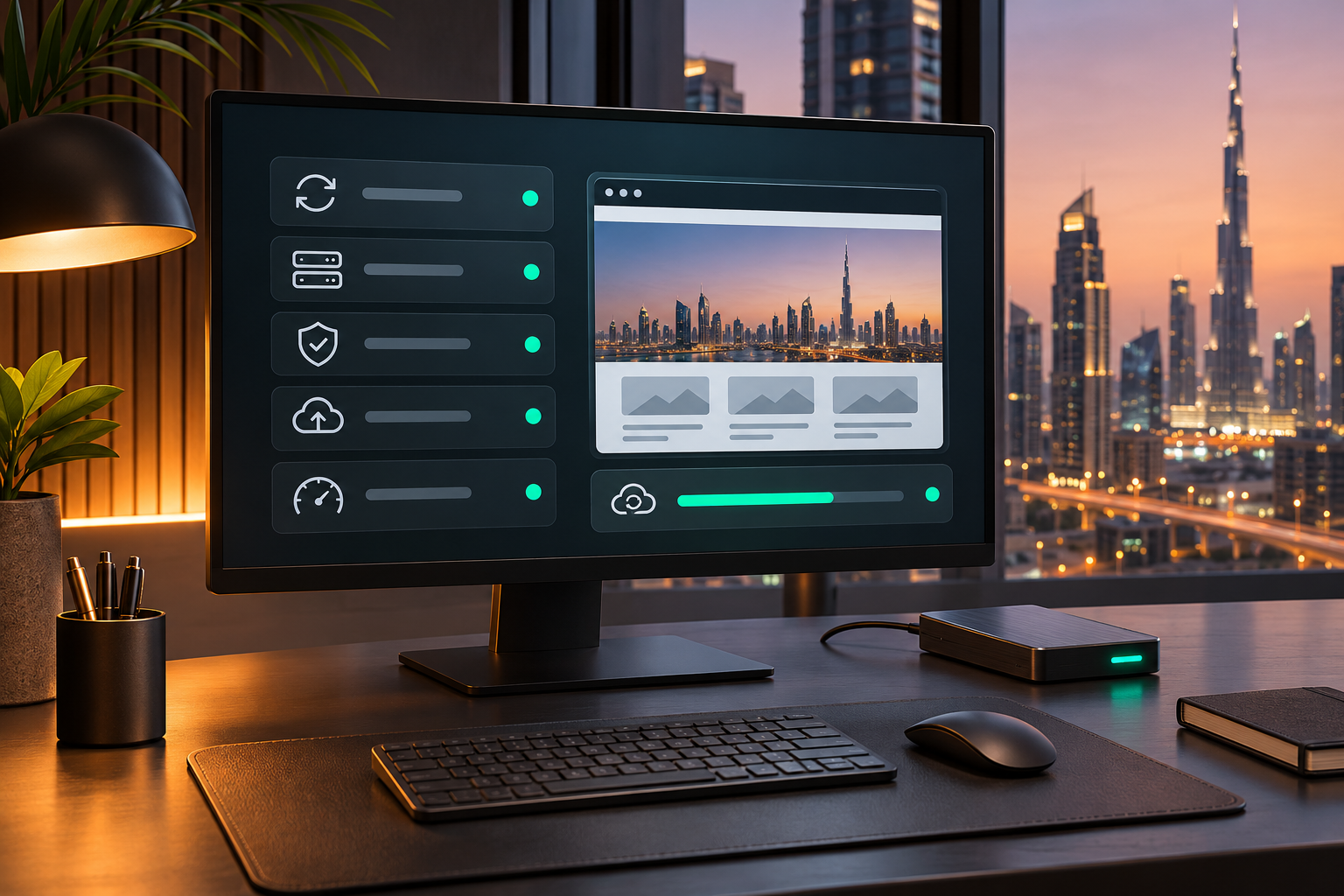
What to include in a WordPress maintenance agreement: tested backups, controlled updates, security responsibilities, working enquiries and clear support limits.
A WordPress maintenance plan should keep your website usable, recoverable and supported—not simply report that plugins were updated. For a Dubai business relying on enquiries, bookings or online sales, the important question is whether the customer journey still works after each change.
This guide explains what to request in a maintenance agreement, how to separate routine support from new development, and which questions help you compare providers. It applies equally to businesses in Abu Dhabi and across the UAE.
Start with the website’s business role
List the functions that matter: contact forms, WhatsApp links, appointment requests, product search, checkout and customer emails. Identify who receives enquiries and who can approve changes. A small brochure website needs a different support arrangement from a store receiving orders throughout the day.
Before accepting an existing site, the maintenance provider should review its theme, plugins, hosting, licences, integrations and known faults. Record any initial repairs separately so ongoing maintenance does not begin with an undefined backlog.
1. Updates with checks and a recovery plan
The plan should cover WordPress core, theme and plugin updates, with a method for checking compatibility and responding to problems. For significant changes, agree whether testing on a staging copy is needed. A staging site is a separate test environment; it should not accidentally send live customer messages or process real orders.
WordPress recommends backing up before updates and checking compatibility. Ask who reviews update notices, which critical functions are tested afterwards and how the last working version can be recovered if a change causes a fault. Simply clicking “update all” does not prove the website is functioning correctly.
2. Backups that can actually be restored
A complete WordPress recovery normally needs both the database and the site files. Agree the backup frequency, retention period, storage location and responsibility for restoration. Keep a protected copy separate from the live hosting environment so one incident does not remove both the site and its only backup.
Choose the frequency according to how often important data changes. A rarely edited company website and a busy online store have different tolerances for lost information. For a store, restoring an older database can remove recent orders; the recovery procedure must account for this.
Ask for periodic restore checks and an explanation of what happens if a backup fails. “Backups enabled” is less useful than evidence that the right files exist and a recovery process has been tested.
3. Security monitoring and clear incident responsibilities
Define the monitoring included, the person reviewing alerts and the route for reporting suspicious changes. Review user access, remove unnecessary permissions and keep supported software and legitimate licences in place. Security tools support this work but cannot guarantee that a website will never be compromised.
Clarify whether investigation, malware cleanup and recovery are included or separately quoted. Also agree who contacts the hosting company if the issue extends beyond WordPress. Monitoring without a response owner leaves an important gap.
4. Checks on forms, mobile layouts and integrations
A website can load successfully while its enquiries silently fail. Request agreed checks for form delivery, confirmation messages, navigation, phone links and essential integrations. When payment testing is needed, use an appropriate test process rather than creating unintended customer charges.
For an English-Arabic website, include both languages in the review. Check right-to-left layouts, mixed-language text, language-switch links and translated form messages on mobile. A successful test on the English homepage does not validate the whole site.
5. Performance and technical housekeeping
Review issues that affect visitors, such as oversized images, broken links, failed scripts and slow key pages. Agree which improvements are routine and which require separate development. Preserve important URLs and metadata when making content changes, and investigate unexpected indexing changes where SEO monitoring is part of the scope.
Performance work should improve the real browsing and enquiry experience. A single speed-test score is useful evidence, but it is not a complete measure of website quality or a promise of Google rankings.
6. Support limits, licences and reporting
A clear agreement distinguishes an initial response from a completed repair. Ask for support hours in UAE time, the reporting channel, how urgent incidents are prioritised and the escalation process. Do not assume round-the-clock support unless it is explicitly included.
- Routine maintenance: agreed updates, monitoring, backups and checks.
- Existing-feature fixes: resolving faults within the documented scope.
- Minor changes: a defined allowance for small edits or enhancements.
- Major development: new systems, extensive redesigns or substantial integrations quoted separately.
- Third-party costs: hosting, domain renewals and premium software with a named payer and renewal owner.
Request a concise monthly report: work completed, checks performed, incidents, unresolved risks and recommendations requiring approval. This makes the service visible and helps prevent misunderstandings about what the annual fee covers.
Questions to ask before choosing a maintenance provider
- Will you support a website built by another developer, and what is checked first?
- Where are backups stored, and when was restoration last tested?
- Which customer journeys are checked after updates?
- Are security incidents and emergency recovery included?
- What counts as a minor change, and what triggers a separate quote?
- Who owns the accounts and licences if we change providers?
Does maintenance include SEO or a redesign?
Not automatically. Maintenance helps preserve a working technical foundation. Keyword research, new articles, substantial page optimisation and redesign are separate scopes unless your agreement includes them. Ask for written deliverables rather than assuming that “website management” covers every digital service.
Arrange maintenance around your actual website
Digitance Pro supports businesses in Dubai, Abu Dhabi and across the UAE. Our website development and maintenance services can be scoped around existing features, fixes and planned improvements. For a separate growth programme, explore our SEO services.
Request a maintenance review with your website address, known problems, required languages and business-critical functions. We will discuss the scope and any initial work before proposing ongoing support.
Further reading: WordPress provides official guidance on updating WordPress and backing up the database and files.